PanelNew
Measure



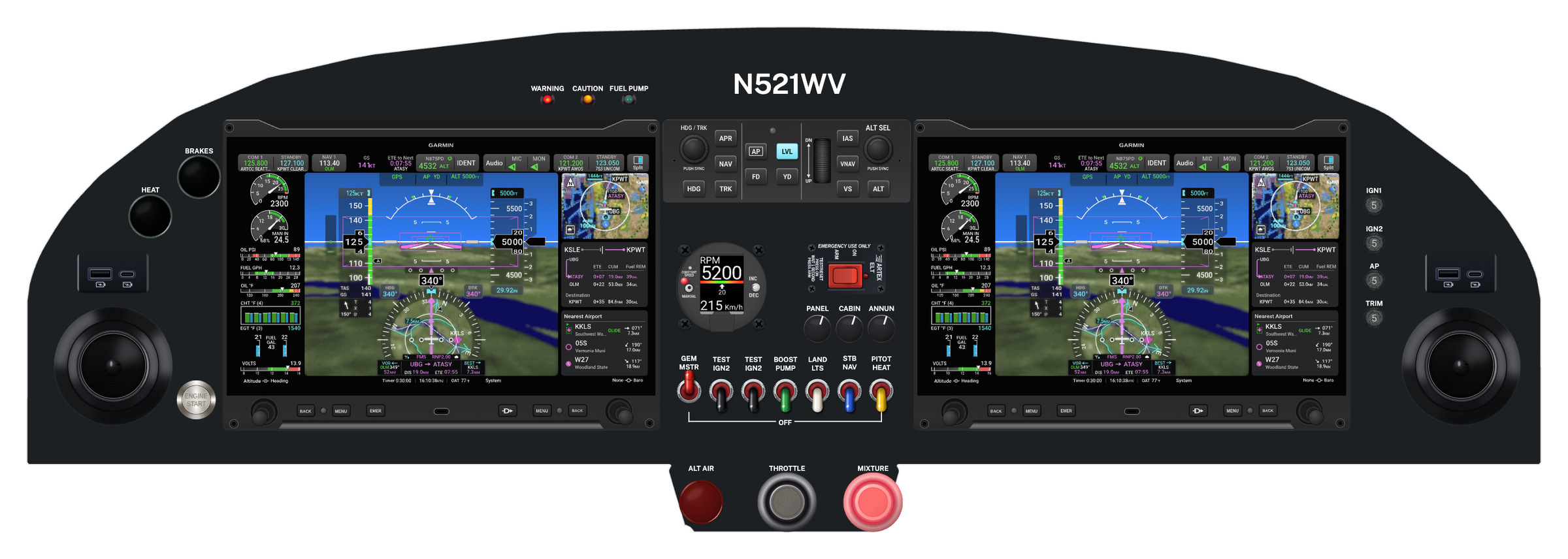
Dimension lines on your panel: from an instrument to the edges of the panel and to the flange lines, and center to center and edge to edge between instruments. Drag a dimension aside, or take one off. Nothing in the design changes.
Hangar Flying membership
Keep the log of the build, lay out the panel to scale in the color it will be painted, and keep the maintenance records once it flies. A membership opens every tool in every Hangar Flying app.
$99 a year. Renews yearly; turn renewal off on your account page at any time.
A new account has every Panel Designer tool for 14 days. No card is asked for.
Build
The record of the build, kept where the work happens: entries, photographs and hours.
A member starts a project and adds to its log. Without a membership a log is still read and exported.
Panel



The instrument panel laid out to scale on your aircraft's template, from 1,320 instruments.
A member has every tool shown below.
MRO
The maintenance records of an aircraft, kept for as long as it flies: entries, airworthiness directives, what is coming due, discrepancies.
In the membership, for owners and for shops.
Marketplace
Aircraft and aviation property for sale, listed by their owners.
In the membership.
19 member tools. A new account has every one of them for 14 days. More than 300 displays are 72 product lines: choose the size, model and screen.

PanelNew
Dimension lines on your panel: from an instrument to the edges of the panel and to the flange lines, and center to center and edge to edge between instruments. Drag a dimension aside, or take one off. Nothing in the design changes.

PanelNew

A page for your pilot's operating handbook, made from your design: the panel, a number on every instrument, and a list of what each one is. Type over any name or description, then download it as a PDF in color, or send it to your Builders Log as a draft entry in one press.

TemplatesNew

See the panel in the color it will be painted, before any paint is bought. Choose White, Aluminum, Gray or Black, any color in the palette, or type a color's number. The color is saved with the design and is in the picture you export.

TemplatesNew
The flanges where the panel is fastened to the airframe, and the structure behind it that limits how deep an instrument can be, are drawn on every template, cyan and dashed. An instrument whose body or guard needs room behind the panel has a dashed outline of its own, so you see what will not fit before it is cut. Flange lines in the tool row hides them all with one click and brings them back with another. They are never in a picture you export.

PanelNew
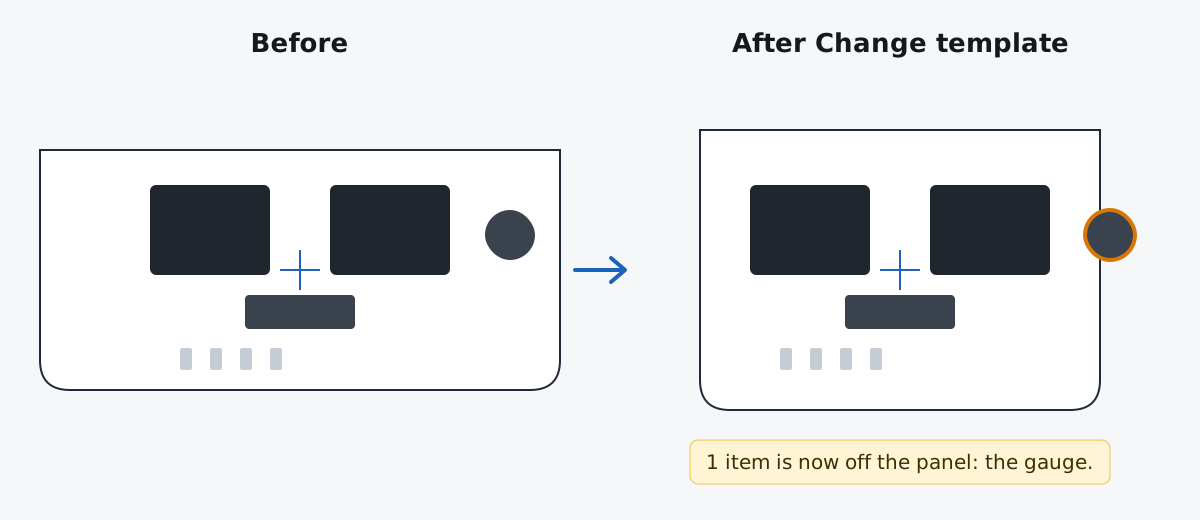
Size your own panel pieces and place them beside the aircraft's panel: a center console, a switch panel, a subpanel. Type the width and height, give the corners a radius, a bevel or a cove, and put instruments, switches and placards on the piece as on the panel. It is in every picture of the design and in a CAD, Cut, Paint & Label request.

Placards
Labels on the panel or on an instrument, in five fonts, any letter height up to 3 inches, in the colors, background and border you choose. Attach one to a switch and it moves with the switch.

Placards

Select a row of switches, press Placard, type OFF, and one bracket spans the row, its ends on the first and last switches. Move a switch and the bracket follows.

Placing and spacing

Put down a row or a block of the same instrument at the spacing you set: twenty breakers a quarter inch apart in one move.

Placing and spacing

Space a row evenly with one click, or spread it across an exact width you type.

Placing and spacing

Line up edges or centers, center one instrument on another, or center it on the panel.

Placing and spacing
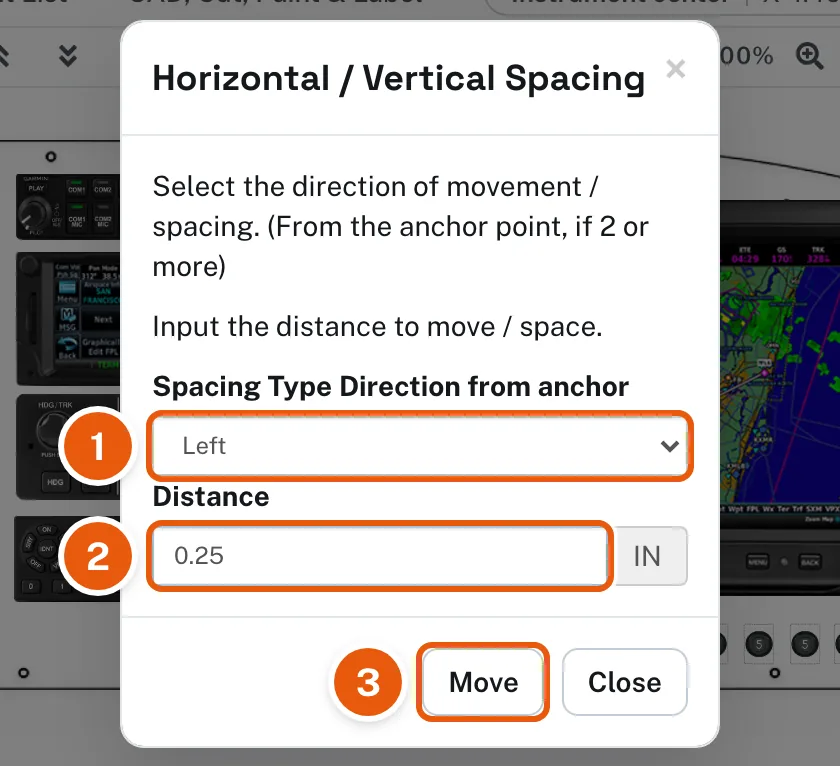
Move or space the selection by an exact direction and distance, in inches.

Precision
Hold Shift and drag: the instrument moves only across or only up and down, so it stays in line.

Precision
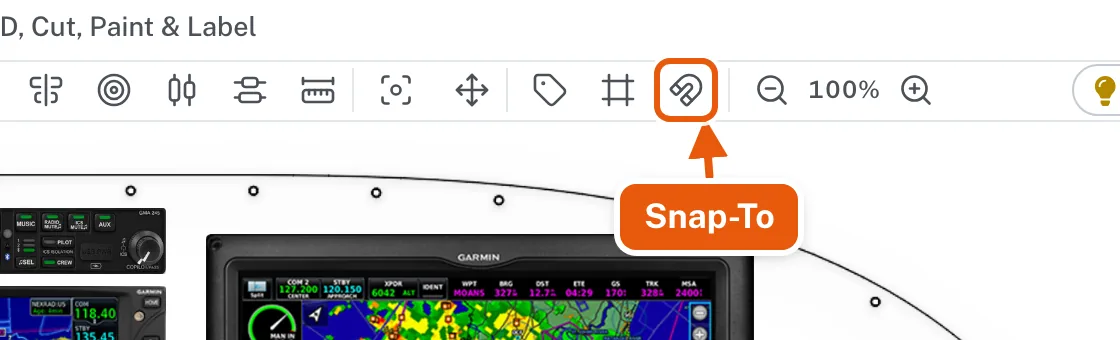
Edges and centers snap to the panel, to other instruments and to construction lines.

Precision
Horizontal and vertical guide lines at exact positions, to lay out rows and columns.

Precision
Zoom in for fine placement, from the menu bar or with Ctrl or Command and the scroll wheel.

Precision
Each instrument's X and Y from the center of the panel template, and the pointer's position. The arrow keys nudge the selection a hundredth of an inch.

Organizing
Move a set of instruments as one, and keep its layout.

Organizing
Lock what is placed so it cannot be moved by accident.

Organizing



Bring an instrument forward or send it back, and undo or redo every step: moves, adds, deletes, placards and lines.
For 14 days, any new account
After that, without a membership
A membership adds
$99 a year. Renews yearly; turn renewal off on your account page at any time.
Every app and every tool on this page, for $99 a year. See each Panel Designer tool step by step in Help.