
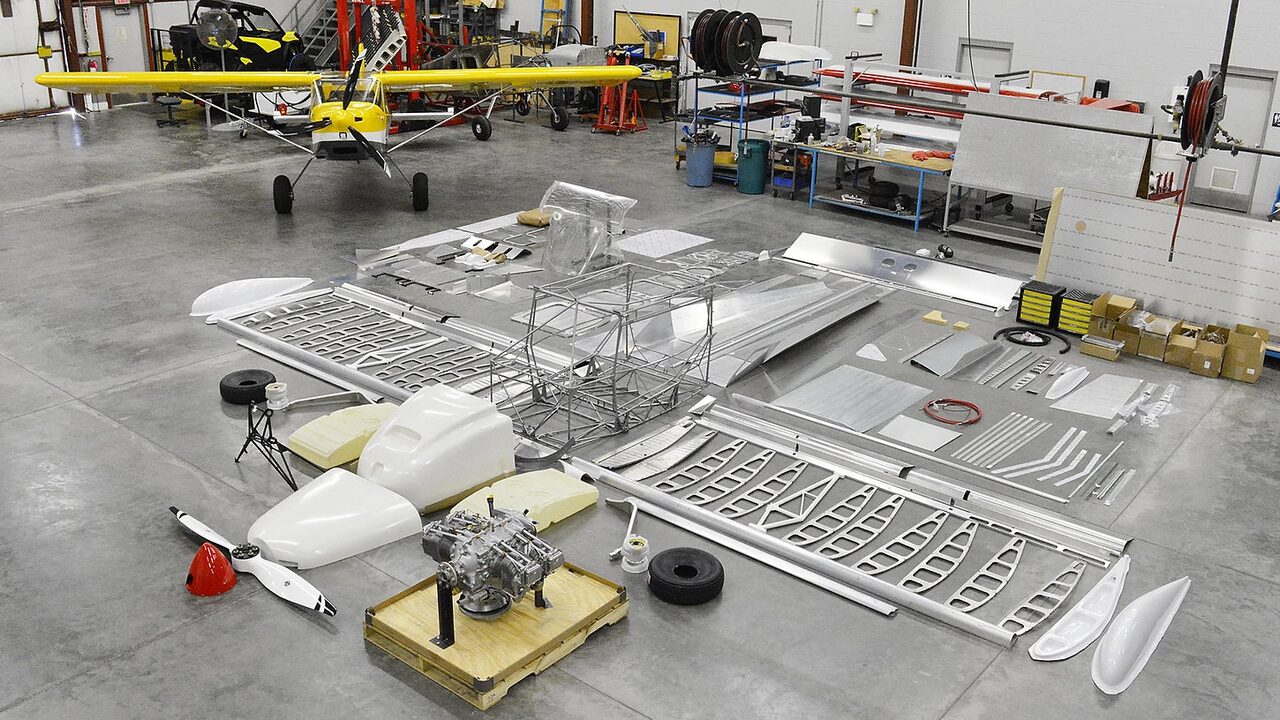
Builders LogUnder test
42 projects being built · 10 public
Hangar Flying
42 projects being built · 10 public
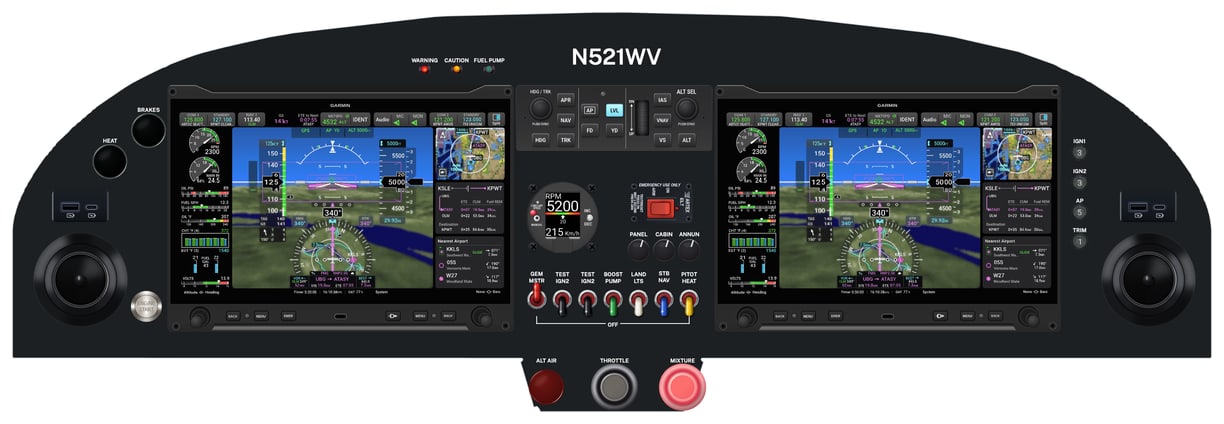
28,439 panel designs started · 323 panel templates
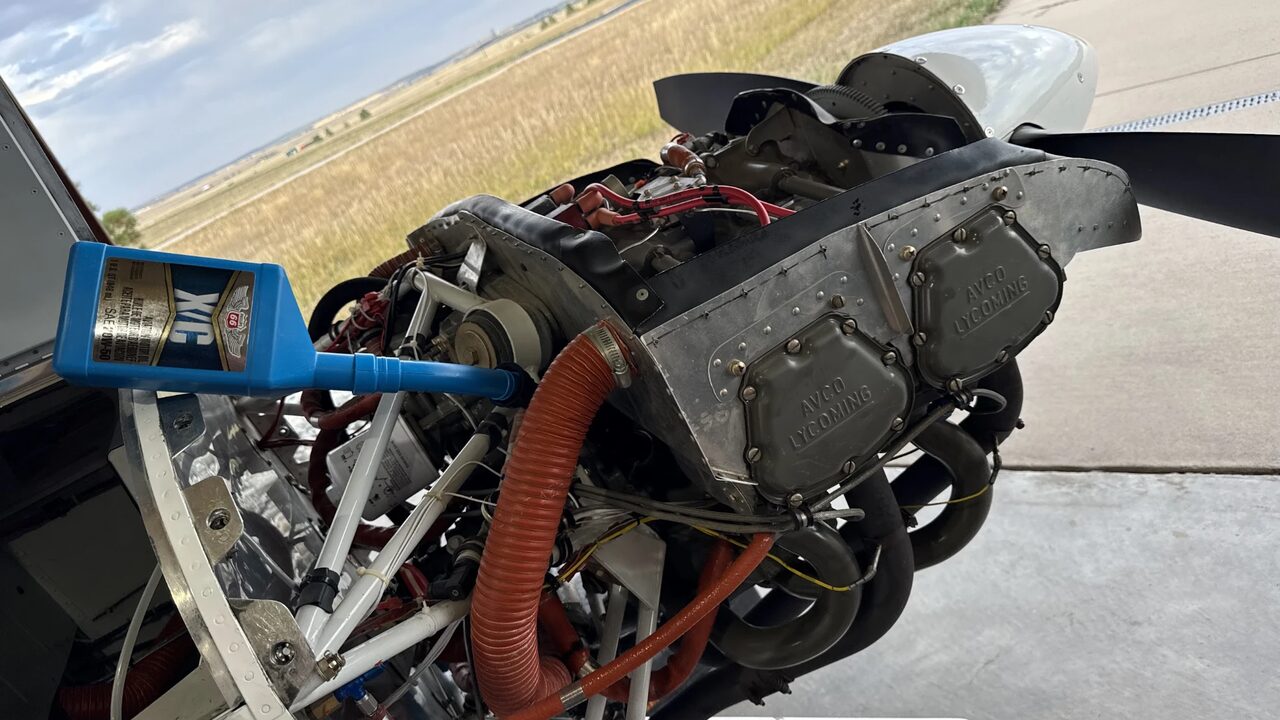
Maintenance, Repair and Overhaul · 13,121 airworthiness directives on file
 2017 Sport Performance PANTHER LS$60,000

4 aircraft for sale
Hangar Flying began as the Panel Designer, where builders and owners lay out an instrument panel with the instruments they mean to install — and thousands of them have.
One membership, $99 a year, opens every tool in the Panel Designer, and the other apps as they come out of test. The Builders Log and MRO are open to every account while they are under test, and the Marketplace always is. A new account has every tool for 14 days, and no card is asked for.
It is becoming one site for the life of an aircraft: the build, the panel, the first flights, maintenance for as long as it is owned, and the sale at the end. Each app is part of the one site, under one account, and what is recorded in one carries into the next — the equipment entered once becomes the panel, and later the list the airworthiness directives are checked against.