
Plenty of good runways have no published approach, and the ones that do don't always help on a clear evening at an unfamiliar field with a dark final. An owner who has an Avidyne IFD navigator already has something for that. Below the instrument approaches in the procedure list, the IFD lists a visual approach for each runway.
What the box builds
Avidyne's pilot's guide for the IFD500 series describes something simple. A visual approach is one flight plan leg, lined up with the runway heading and ending at the threshold. After choosing the runway, the pilot picks a straight-in or a base or downwind entry, left or right.
Those entries add no legs to the flight plan. They're dashed lines on the map, drawn for situational awareness, joining the final approach leg.
Once it's active, the IFD gives lateral deviations to the final approach course. Advisory vertical deviations start when the aircraft's track is within 90 degrees of the final approach course, so on a downwind entry the vertical indicator stays flagged until the turn to base. They stop 0.1 nautical mile from the threshold. The softkey reads "Activate Visual" rather than "Activate Approach", a small reminder of what's in use.
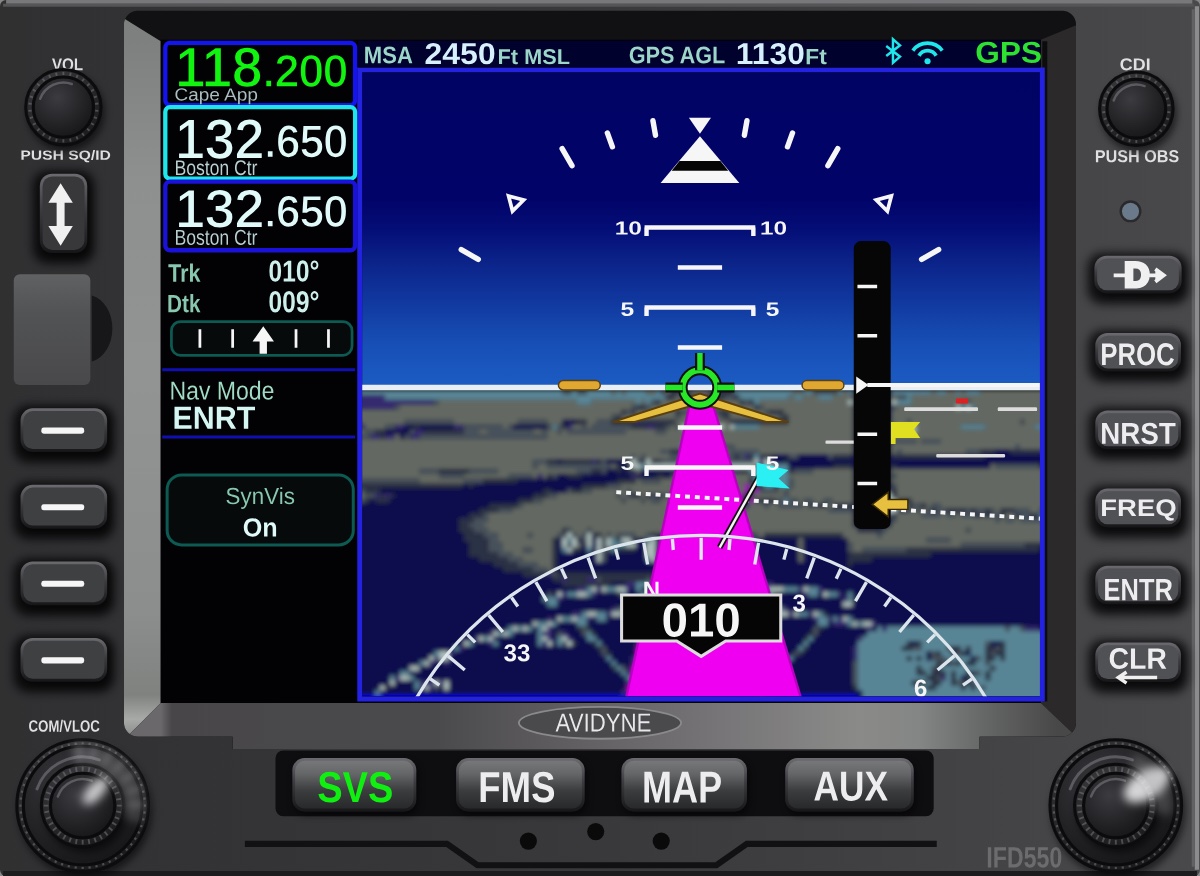
On the IFD550, KITPLANES noted in its 2019 buyer's guide, lateral and vertical approach guidance shows on the navigator's own screen. Avidyne calls that unit's attitude display a non-required secondary indicator, and the required instruments stay the primary ones.
The word that matters is advisory
The guide calls the vertical guidance advisory. The path comes from the runway's heading and a set angle. It isn't a procedure anybody designed and checked for that runway, so the pilot still does the looking: terrain, towers, trees on short final, and traffic in the pattern. On any day the runway can't be seen, the answer is a published approach or another airport.
Three settings worth a look
All three live on the Setup page, and the factory defaults come from the guide:
- Glideslope: 4.0 degrees. That's steeper than the 3-degree final many pilots fly, so it's worth checking against what the airplane does comfortably.
- Final length: 1.0 nautical mile, where a base leg meets final on the map.
- Pattern width: 1.2 nautical miles, the distance from the runway to the downwind leg.
One catch is easy to miss. A visual approach keeps the settings it had when it went into the flight plan. Changing the angle on the Setup page does nothing to the approach already loaded. It has to be put in again. And an owner who would rather not see these at all can switch them off, which takes them out of the dropdowns.
In the panels on Hangar Flying
The IFDs are a real part of what builders and owners are planning. In Hangar Flying's Panel Designer, the IFD440 sits on 525 saved designs, the IFD540 on 241 and the IFD550 on 183. The whole line is one card there, with the model and the page chosen from it, so a builder can see the Map, Flight plan, Nearest airports and Weather pages in the panel, and the IFD550's synthetic vision.
Sources
- Avidyne, IFD500 Series Pilot's Guide, P/N 600-00300-001 Rev 09, July 2025: Visual Approaches, pages 3-44 to 3-47; Visual Approach Settings, pages 5-56 and 5-57.
- Avidyne, IFD400 Series Pilot's Guide, P/N 600-00304-000 Rev 9: Visual Approaches.
- Larry Anglisano, IFR GPS Buyer's Guide: Avidyne and Garmin, KITPLANES, 25 Nov 2019.
- Hangar Flying's Panel Designer: counts of saved designs, 2 Nov 2026, with no member named.
- Picture: Hangar Flying's own drawing of the IFD550.