
Hangar Debrief is an email newsletter for builders, pilots and maintainers of experimental, light-sport and general aviation aircraft. Its articles are also on the site, where anybody can read them without signing in.
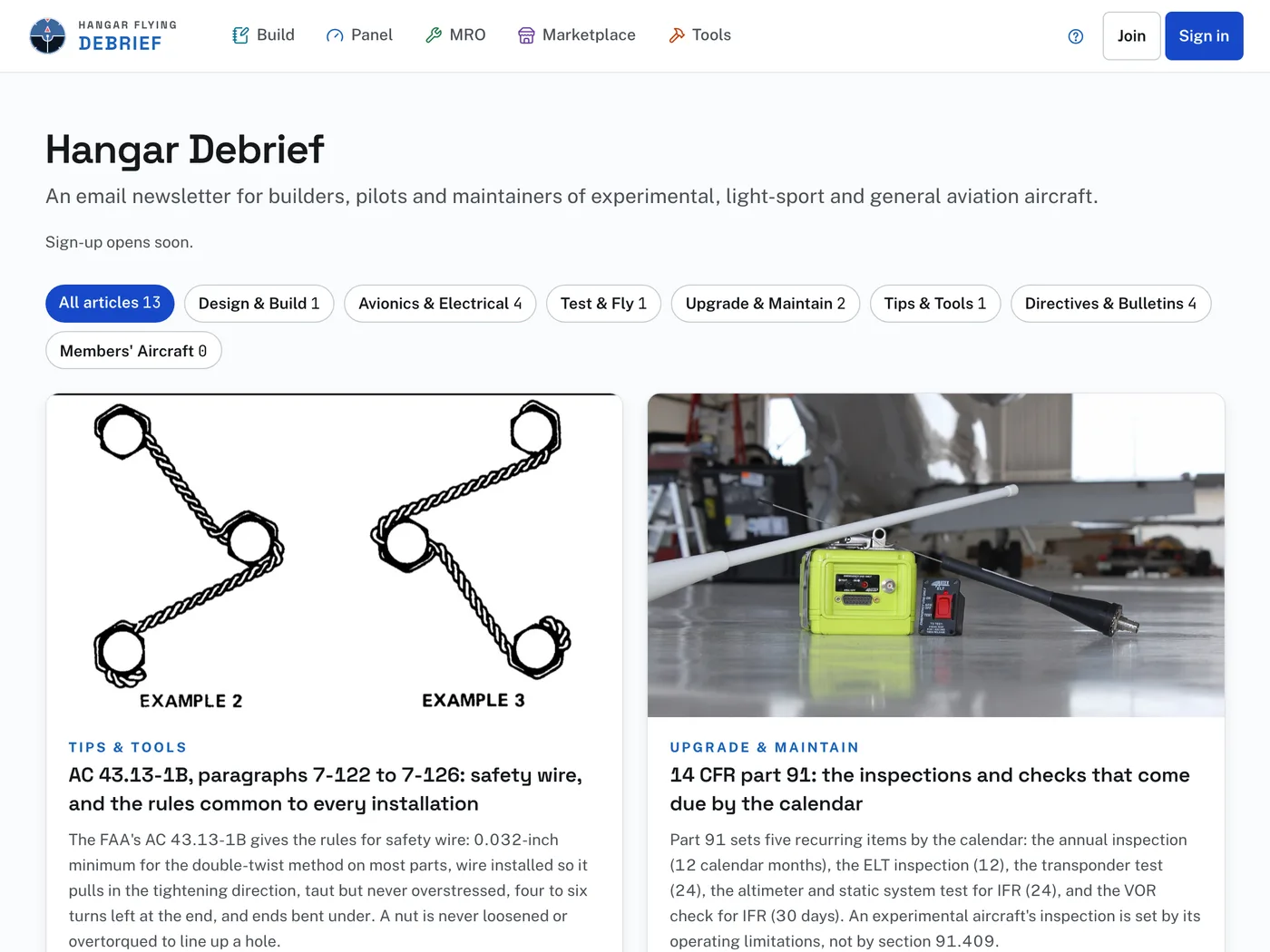
Reading it on the site:
- Open Hangar Debrief from its card on Home, from Debrief at the foot of any page, or from its icon in the bar on a wide screen.
- The page lists the articles, each with its topic, its title and a short summary. All articles shows every one.
- Press a topic to see only that topic. The number beside each topic is how many articles it holds.
- Press an article to read it.
- Past issues lists every issue that has been sent, each as it was sent. The link shows on the Hangar Debrief page once there is an issue to list. Until the first issue goes out, that page says "No issues yet."
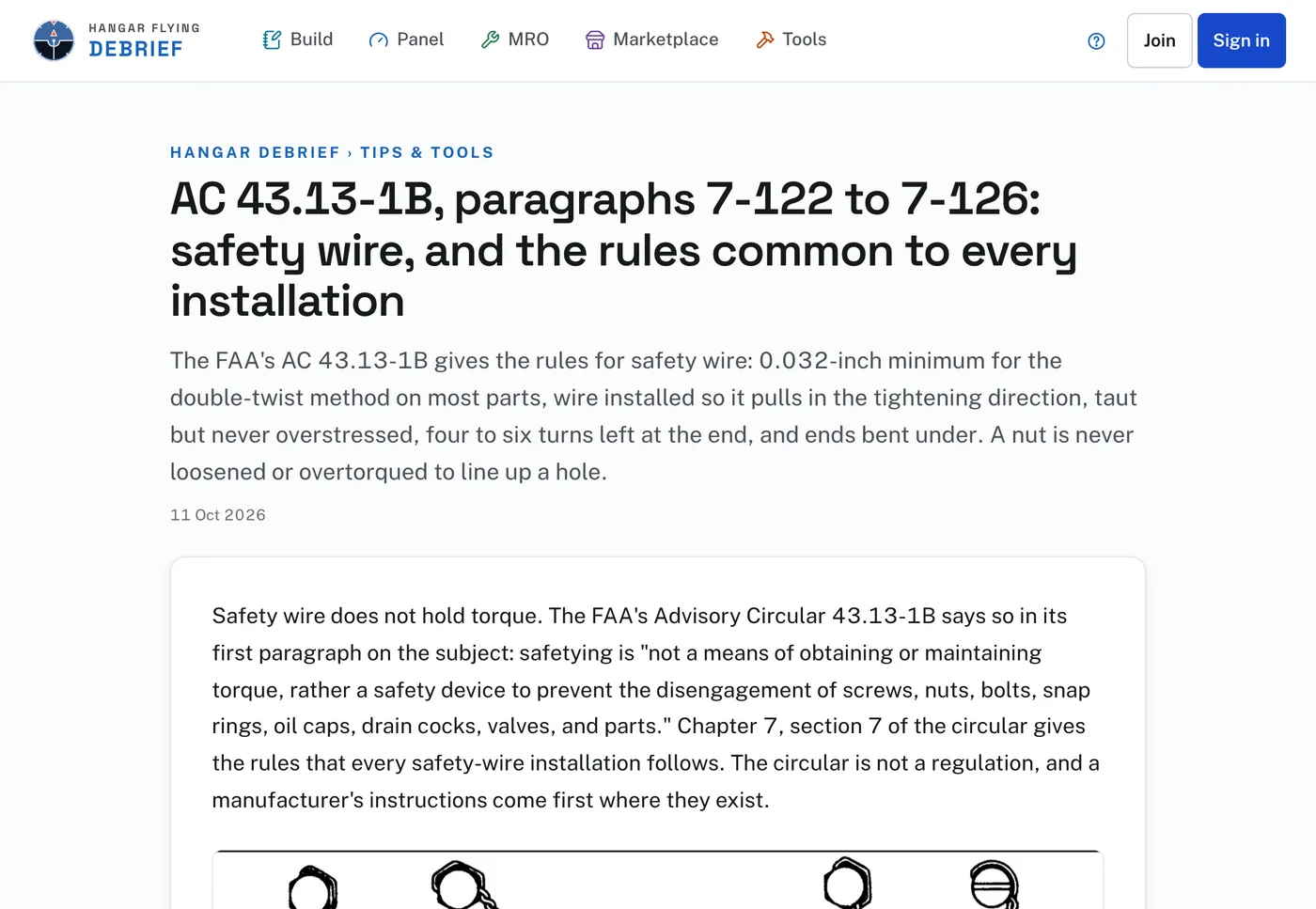
Above an article’s title, Hangar Debrief goes back to the list and the topic opens that topic. At the foot of an article are its source where there is one, the buttons to pass it on, its tags, and All articles. Press a tag to list the articles that carry it. The company that sponsors the newest issue is named under the date.

Share opens your phone’s or computer’s own sharing, or copies the address. Email, Facebook, X and LinkedIn open that place’s own page with the article’s address filled in.
Getting it by email:
- When you create an account, the checkbox "Send me Hangar Debrief, the Hangar Flying newsletter" is checked to begin with. Leave it checked to get the newsletter, or uncheck it.
- Signed in, open Profile. The Hangar Debrief card says whether it is sent to your address.
- When sign-up is open, that card has a Sign up button with your address on it, and the Hangar Debrief page has a box for an email address and a Sign up button. Press it, then open the email we send and press the link in it to confirm. You are on the list only after pressing that link.
- While sign-up is closed, both places say "Sign-up opens soon."
- Once you are on the list, the card on Profile says "Sent to" with your address, and Preferences opens your own newsletter settings.
Use your own email address to sign up. A shared address is refused.