
Contact the seller, under the price, is private. It shows the seller’s telephone number if they gave one, and the messages between you and the seller alone.
To write to the seller:
- Sign in. Signed out, the button reads Sign in to write to the seller.
- Under Contact the seller, type in Message.
- Press Send to the seller. The page answers Sent.
Each of you gets an email saying there is a message, with a link back to it. Neither sees the other’s email address. The seller’s replies show under Contact the seller on the same listing.
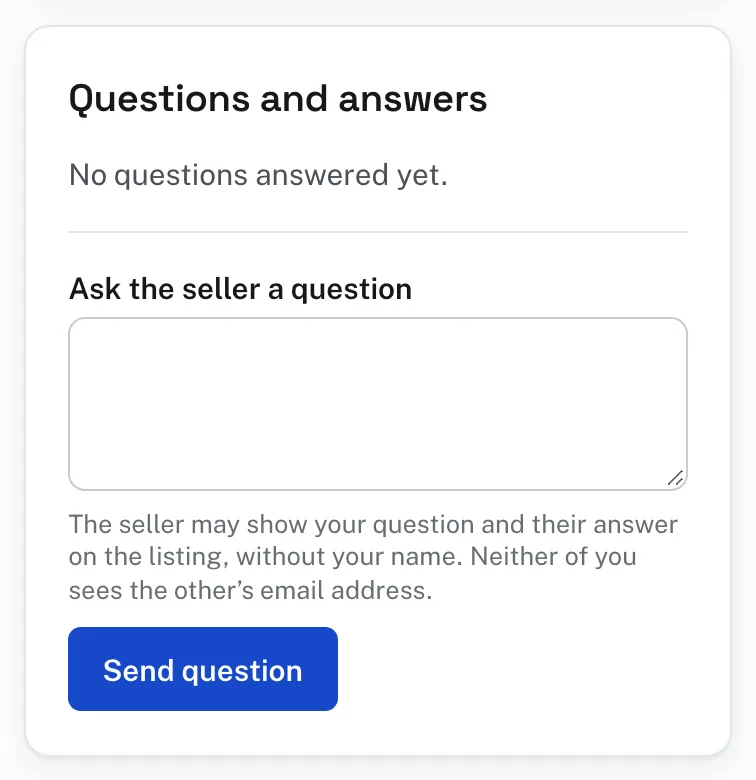
To ask a question:
- Sign in. Signed out, the button reads Sign in to ask the seller a question.
- Under Questions and answers, type in Ask the seller a question.
- Press Send question. You get an email when the seller answers.
The seller may show your question and their answer on the listing, without your name, for the next buyer to read. Until then it is under Your questions on the listing, where only you see it, marked Waiting for the seller until it is answered.
Something wrong with a listing? See Reporting a listing in this Help.