
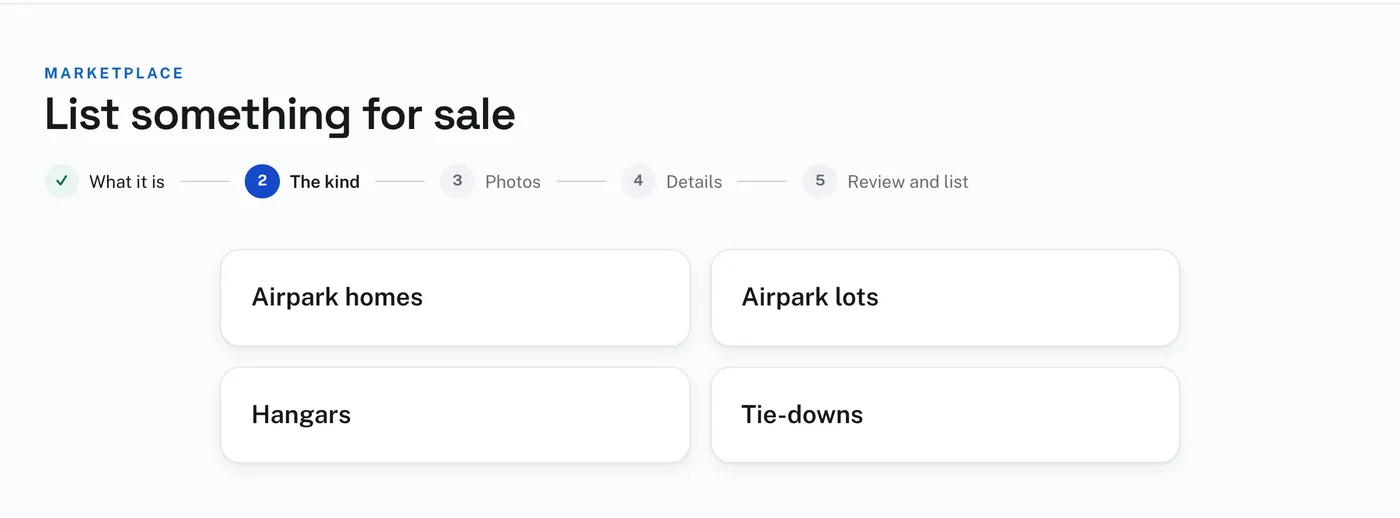
To list property:
- Press List something for sale, and choose Property.
- Choose the kind: Airpark homes, Airpark lots, Hangars or Tie-downs.
- Press Upload photos and choose your photographs. A video and documents can go up on the same page. Then press Continue to details.
- On Details, give the Title, the Price or Make offer, the City, State and Airport, a telephone number if you want one shown on the listing, the Description, and up to 3 YouTube links. Press Save and review.
- On Review and list, press List it.
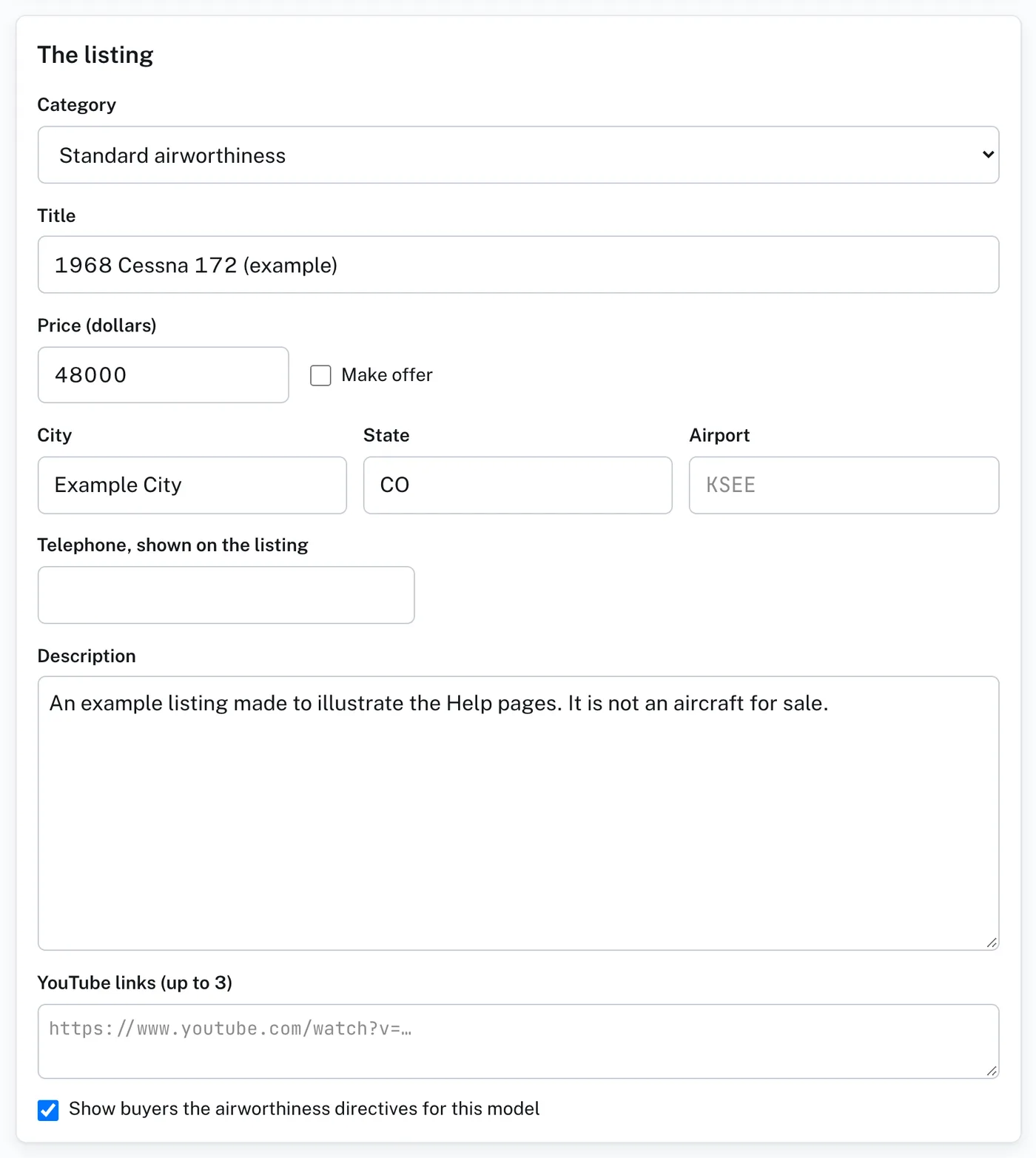
Give the airport’s identifier in Airport and the listing shows that airport, with its runways from the FAA’s airport data.
A listing needs a category, a title, a price or Make offer, the state it is in and at least one photograph. If anything is missing, Review and list says Before it can be listed, with a Fix it link beside each thing.