
When you list an aircraft, the site reads the FAA registry so you do not type what the FAA already holds.
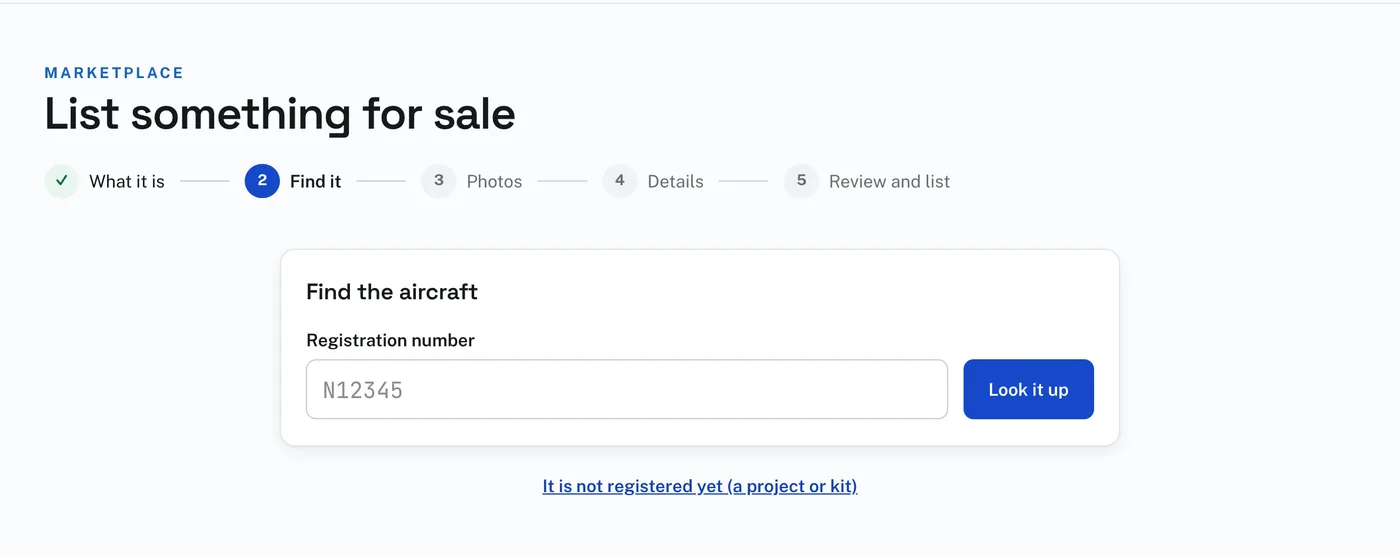
To look up the aircraft:
- Press List something for sale, and choose An aircraft.
- Type the registration number, N and all, and press Look it up.
- Is this it? shows what the FAA holds: the year, manufacturer and model, the Registration, the Serial number, the Engine and the Certificate, where the registry has them.
- If it is your aircraft, press Yes — continue to photos. The listing starts with those details filled in.
If the FAA registry has no aircraft under that number, the page says so. Check the number and try again. For a project or kit that has no registration, press It is not registered yet (a project or kit). It starts a listing under Projects and kits, and you fill in the details yourself.
On Details you can change anything the registry filled in that is out of date. Fill in from the FAA registry, beside the Registration number there, reads the registry again.
A listing whose details agree with the FAA registry carries the Matches the FAA registry mark that buyers see.