
To save a search:
- Sign in.
- On Aircraft for Sale or Property for Sale, fill in the search and press Search.
- Press Save this search, under the search. It shows once the search has something in it. The page answers Saved, with a link to Your saved searches.
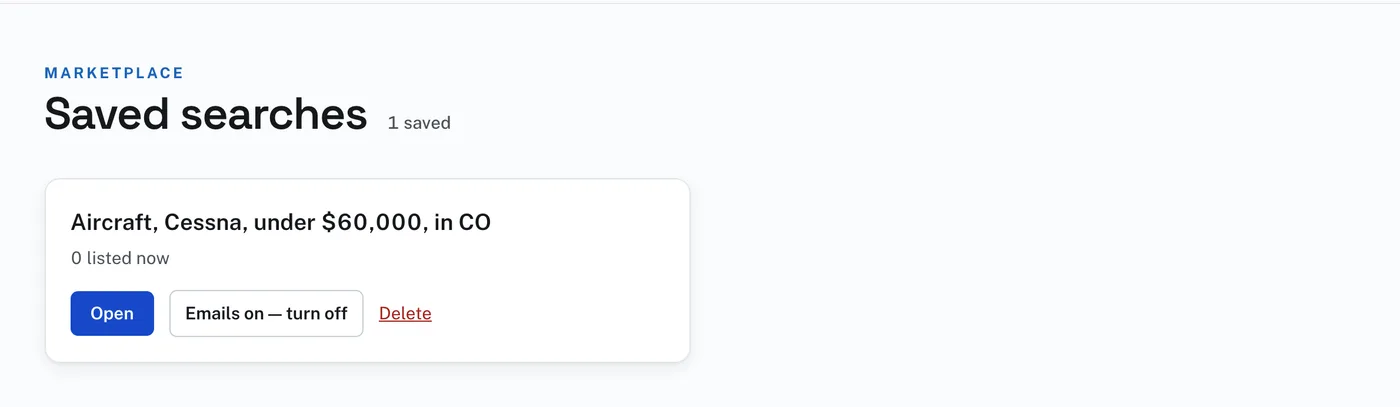
Saved searches, in the row under the bar, lists every search you have saved. The site names each one from what you searched for. Each shows how many listings answer it now, and how many are new.
Open runs the search again. Emails on — turn off stops the emails for that search, and Emails off — turn on starts them again. Delete removes the saved search.
With emails on, you get one email a day when something new answers the search, with a link straight to each listing. The email also tells you when a listing in the search comes down in price. No email is sent on a day with nothing new.