
Report a listing that is not what it says, or is not the seller’s to sell.
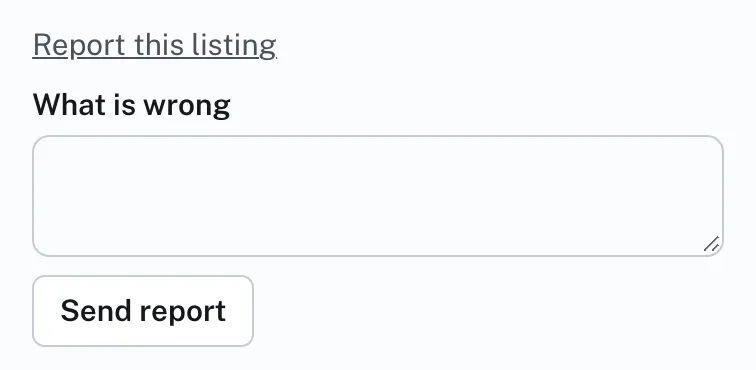
To report a listing:
- Sign in and open the listing.
- Press Report this listing. It is at the foot of the right-hand column, under the FAA forms; on a phone it is near the foot of the page.
- Say what is wrong in What is wrong.
- Press Send report. The page answers Thank you. We will look at it.
An administrator looks at every report.
A listing that Hangar Flying takes down stops showing. Its seller sees it under My listings as Taken down, with the reason.
Report this listing shows only when you are signed in, on a listing that is showing and is not your own.