
The Builders Log records the construction of an aircraft as the work is done: each piece of work with its date, the task, who did it, photographs, and the parts it names with their part numbers and serial numbers. It is made for a phone in the hangar. Every page works the same on a computer.
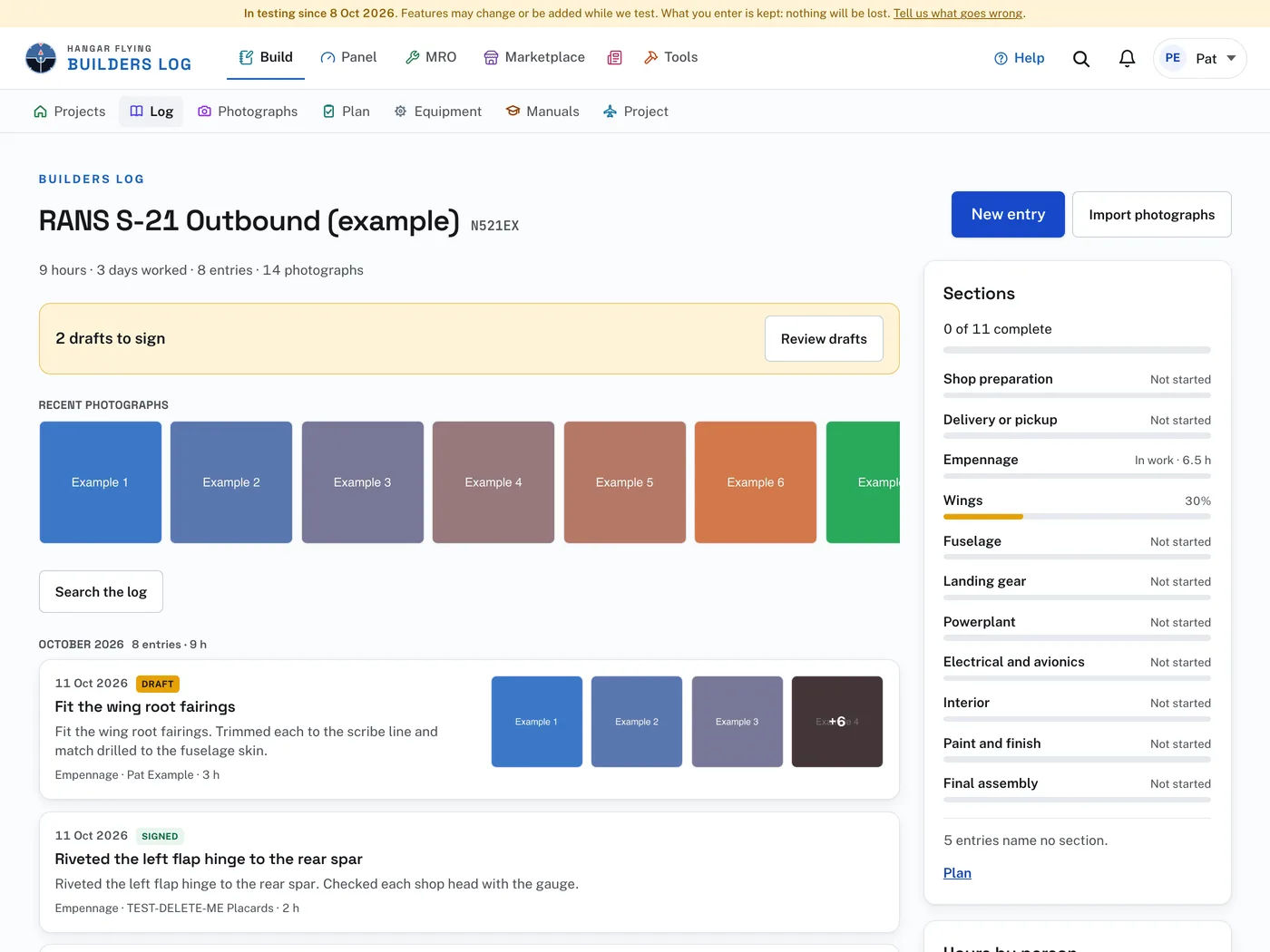
Open it with Build in the bar at the top of the site. On a phone, Build is behind the square of dots. The first page is Projects, with a card for each build on your account.
A project’s pages are in the row under the bar, and on a phone in the bar at the bottom of the screen: Projects (back to the list), Log (the entries), Photographs (every photograph in the log, each under its entry), Plan (the sections of the build), Equipment (the equipment list), Manuals (your own copies of the kit’s manuals) and Project (its details, sharing and the export).
A project is an aircraft on your account from the day it is started. It is listed in MRO beside any aircraft you fly, and its equipment is checked against airworthiness directives and manufacturer service documents while it is being built. The Project page has links to the aircraft, its equipment, its airworthiness directives and its service documents under This aircraft in MRO.
The Builders Log is open to every account while it is under test, member or not. When it comes out of test it becomes part of the Hangar Flying membership. A log can always be read and exported, whole, on any day.
The Builders Log is in testing. The strip across the top of its pages says so, with the date. Features may change or be added while it is tested. What you enter is kept. The strip has a link, Tell us what goes wrong.
The log is evidence for the airworthiness inspection (14 CFR 21.191(g), AC 20-27G): what was fabricated and assembled, by whom, when, with photographs. Builder shown working appears once photographs are chosen (on a new entry it is under More detail). Check it when you add photographs that show you doing the work.