
When instruments overlap, the four Arrange buttons in the tool row set which one is on top. Select the instrument and click:
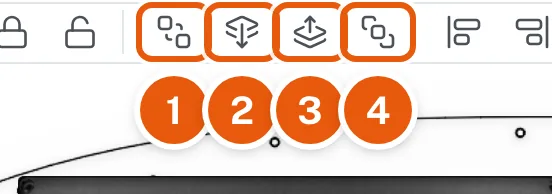
- Send To Back moves it all the way down, under everything else.
- Send Backward moves it down one step.
- Bring Forward moves it up one step.
- Bring To Front moves it all the way up, over everything else.
Point at a button to see its name.