
To move an instrument or construction line by an exact amount:
- Select it.
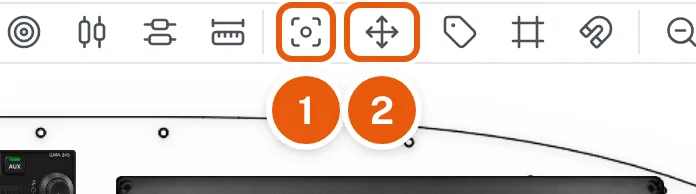
- Click Move / Space Items in the tool row (2 in the first picture). The Horizontal / Vertical Spacing box opens.
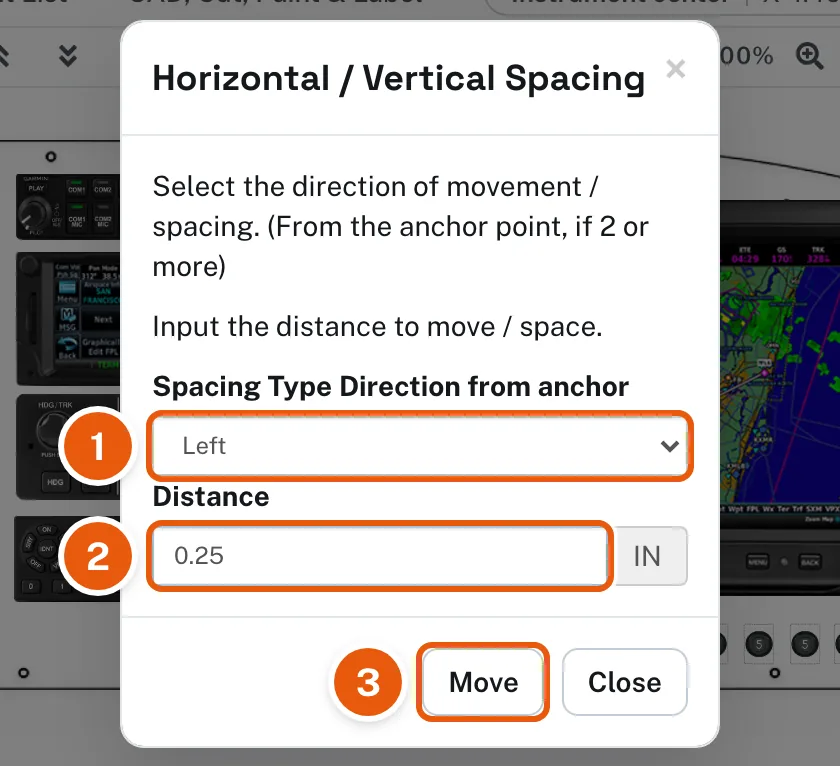
- Choose the direction (1 in the second picture) and enter the distance in inches (2).
- Click Move (3).

Use it for fine adjustments and for spacing a row of instruments evenly.
Arrow keys. With an instrument selected, the arrow keys on your keyboard move it a hundredth of an inch. Hold Shift for a tenth of an inch. Zoom in first for the finest control. Locked instruments stay put.