
An aircraft is the record everything else hangs off: the engine, the propeller, the appliances, the notes, the maintenance. Add it first, with “Add an aircraft” on the Dashboard.
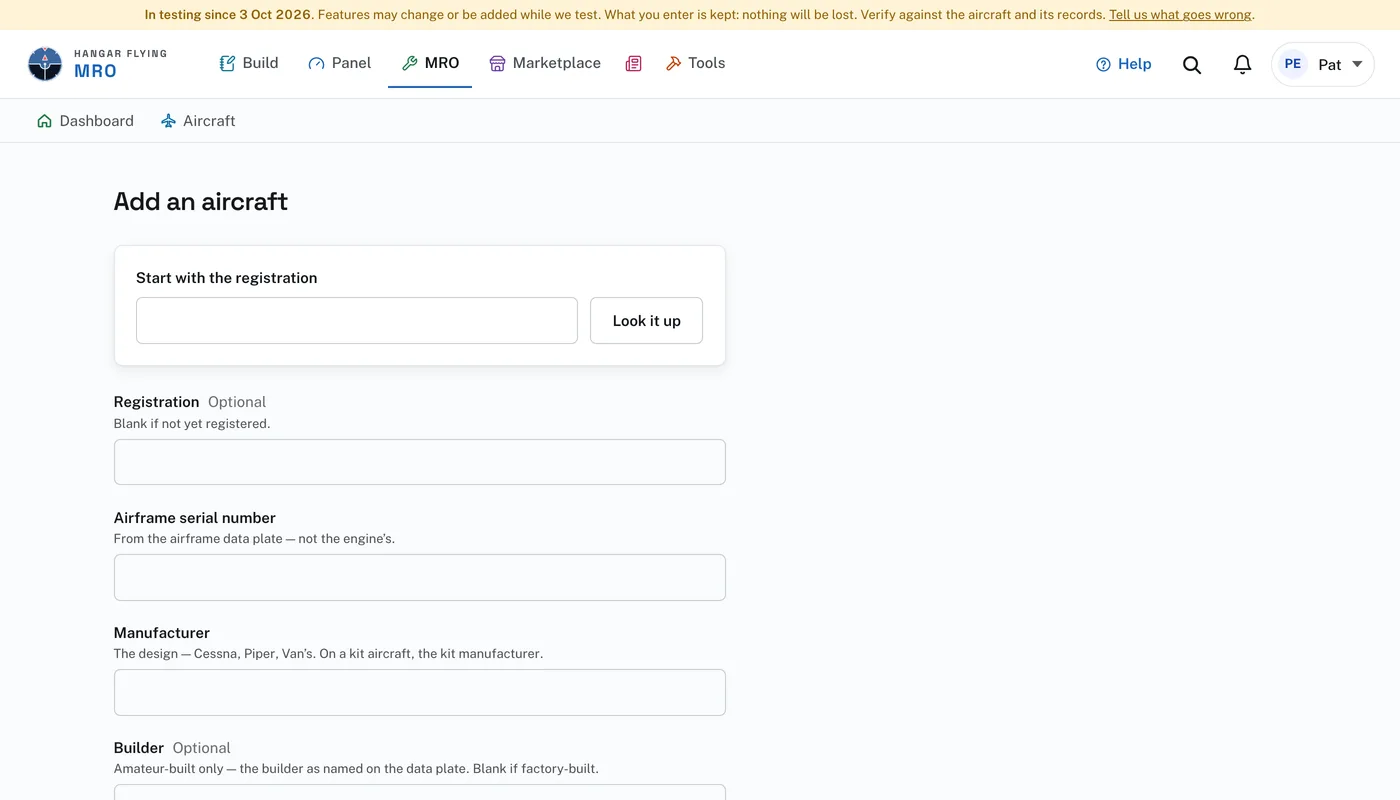
To add one:
- Under “Start with the registration”, type the registration, N228RV for example, and press “Look it up”. The FAA registry fills in what it has. Our copy of the registry is refreshed weekly; a newly registered aircraft may not be in it yet.
- Check it against the data plate and correct anything the registry has wrong. The plate is the authority. The airframe serial number, the manufacturer and the model are required. Registration, builder, home airport and year built are optional.
- Choose the airworthiness certificate category: Standard category, Experimental Amateur-Built, Experimental — Other, Special Light-Sport Aircraft — SLSA, or Experimental Light-Sport Aircraft — ELSA. It decides which inspection the aircraft gets, annual or condition.
- Enter the times at intake if you have them: tach, Hobbs, aircraft total time in service, engine time and propeller time.
- Press “Add this aircraft”.
An aircraft entered by hand works exactly the same as one looked up. The lookup only saves typing.
A shop adds the customer first, and the aircraft under them. An owner adds the aircraft directly. A project started in the Builders Log is already an aircraft in MRO.