
“Engine lookup” is at the foot of every page, under MRO. It reads an engine’s model designation and lists the appliances that kind of engine carries. It needs no sign-in.
To look up an engine:
- Enter the Model as it is on the data plate: O-320-A3A, IO-550-N, 912 ULS.
- The Manufacturer is optional; the model usually says.
- Press “Look it up”.
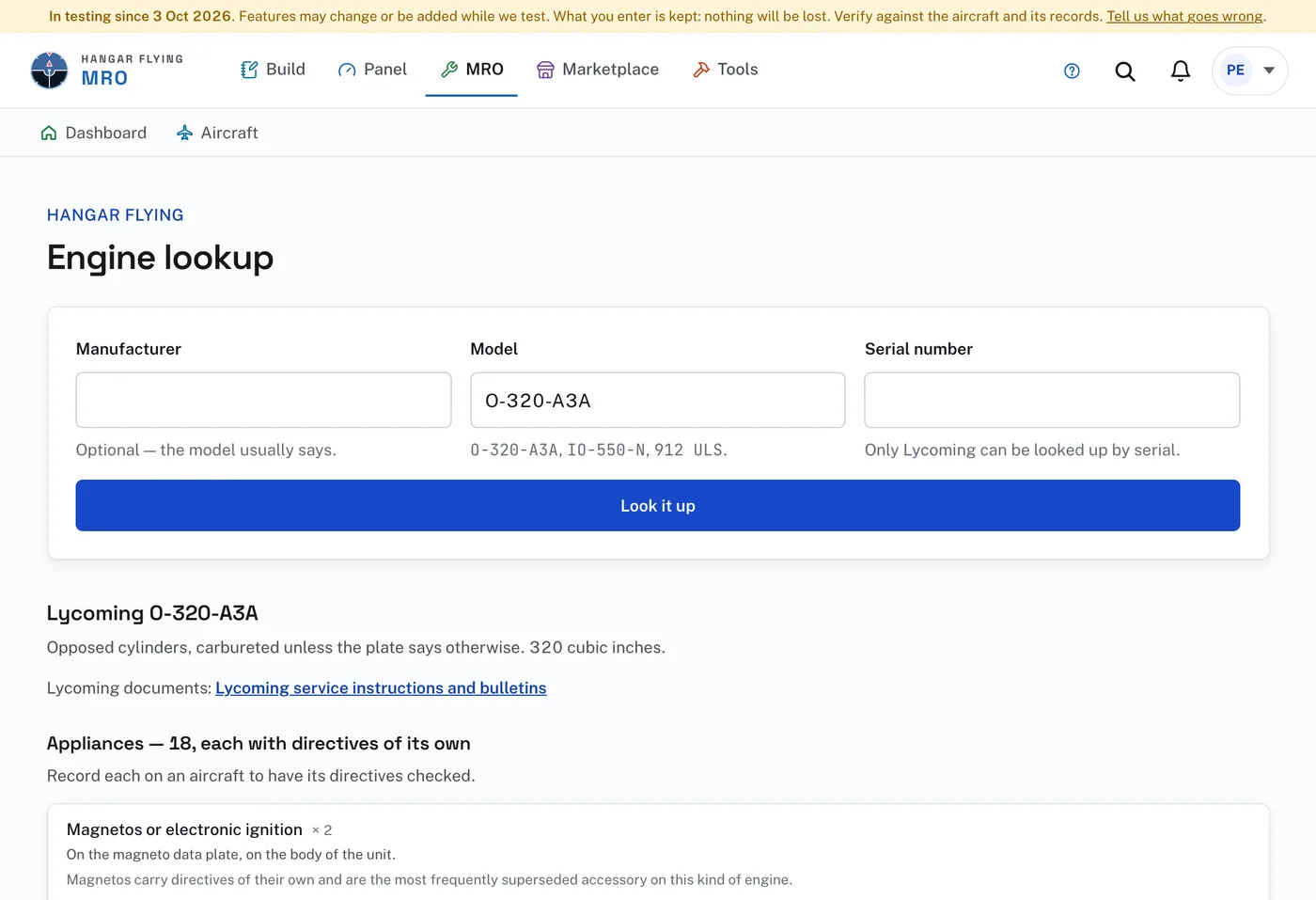
The answer says what the designation means, links to the manufacturer’s service documents, and lists the appliances: magnetos, fuel pump, starter, alternator and the rest, each with where its data plate or stamp is found. One marked “if installed” is not on every engine of that model. A model the page cannot read gets a general list and says so.
Only Lycoming can be looked up by serial number. With a Lycoming serial number entered, the answer links to the Lycoming serial number lookup. For any other manufacturer the serial number is taken as entered.
The list is not a compliance answer and nothing here is added to an aircraft. Record the engine and each appliance on the aircraft’s Equipment page to have their airworthiness directives checked with the airframe and propeller.