
A propeller carries its own type certificate and its own directives, and none of them reach it through the engine. It is its own system on the Equipment page, recorded on the “Add a propeller” form.
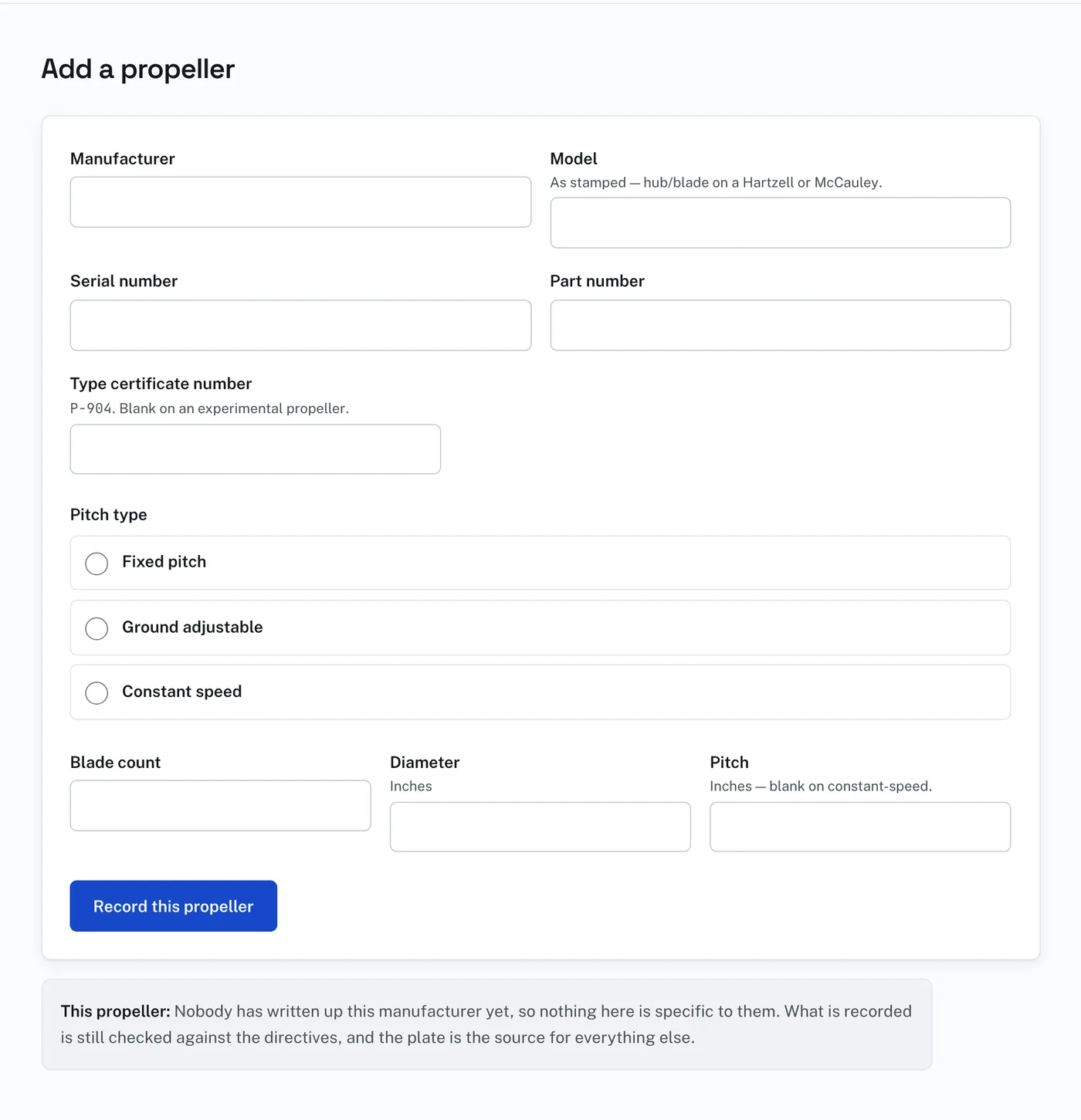
Type the model as it is stamped. On a Hartzell or a McCauley that is the hub and the blade with a slash between them, like HC-C2YK-1BF / F7666A-4. Spaces around the slash do not matter. The form suggests the blade count from the model for you to check.
Pitch type is asked: Fixed pitch, Ground adjustable, or Constant speed. It is not read from the model number, because propeller manufacturers share no naming convention. A constant-speed propeller has a propeller control in the cockpit and a governor on the engine.
Each blade has its own serial number, stamped on the shank near the hub. Directives name blades as well as hubs, so there is a box for each blade.
If there is a type certificate number on the plate, written like P-904, enter it. Leave it blank on an experimental propeller. Press “Record this propeller” to save.