
The page offers the inspection the aircraft’s certificate calls for: a condition inspection on an experimental or light-sport aircraft, an annual on a standard-category aircraft. A condition inspection is not an annual, and a 100-hour inspection does not apply to an experimental amateur-built aircraft.
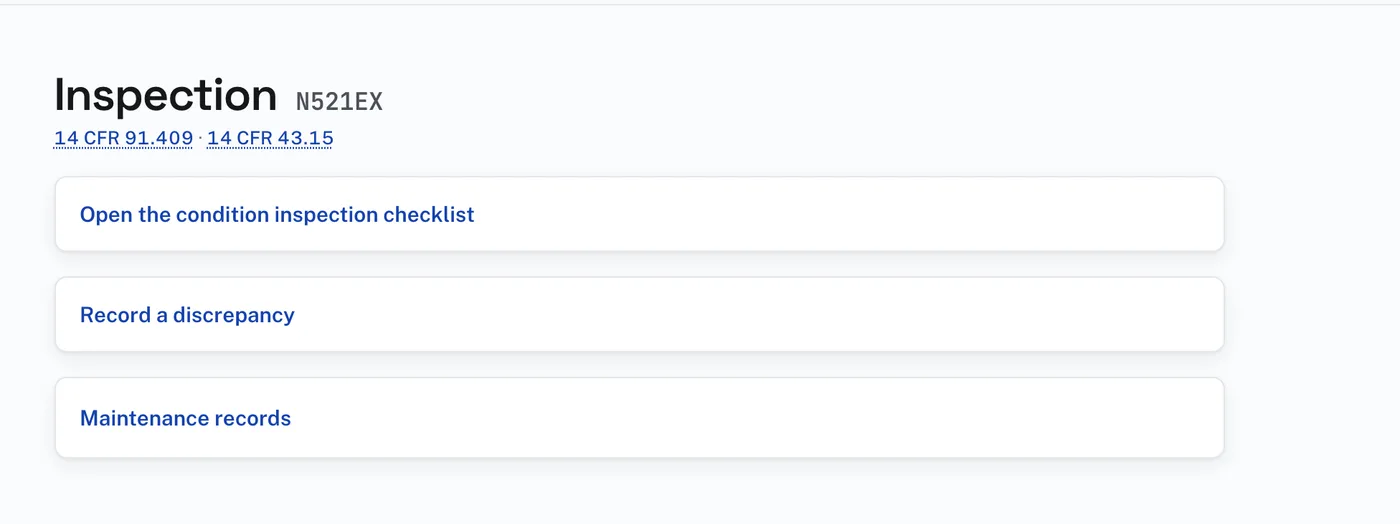
Before an inspection is open:
- Press “Open the condition inspection checklist” (or the annual’s). The card opens.
- “Print the checklist without opening an inspection”, at its top, shows the checklist tailored to this aircraft, to the scope and detail of 14 CFR Part 43 Appendix D, with the recorded parts on their own lines, ready to print.
- To start the formal inspection, choose the kind of inspection, the date it started and the aircraft total time in service, check anything installed on this aircraft, and press “Open the inspection”. That fixes the checklist as the document the signature will speak for.
- “Record a discrepancy” writes up something found. “Maintenance records” opens that page.
An open inspection ends one of three ways:
- Signed. The page does not offer the signature until every checklist line is dealt with and every directive has a disposition. It is signed either approving the aircraft for return to service, or with the dated discrepancy list. The signature writes the maintenance record entry.
- “Discontinue this inspection”, per AC 43-9D. An entry says it was discontinued and makes no finding. The inspection due date does not move.
- “Delete this inspection — started by accident”, only while nothing has been done on it.
Past inspections stay on the page. Each opens whole, with its checklist as it was worked, and can be printed.