
The page answers one question first: can this aircraft be approved for return to service. The top card reads “Not ready to sign” or “Ready to sign” and gives the reason.
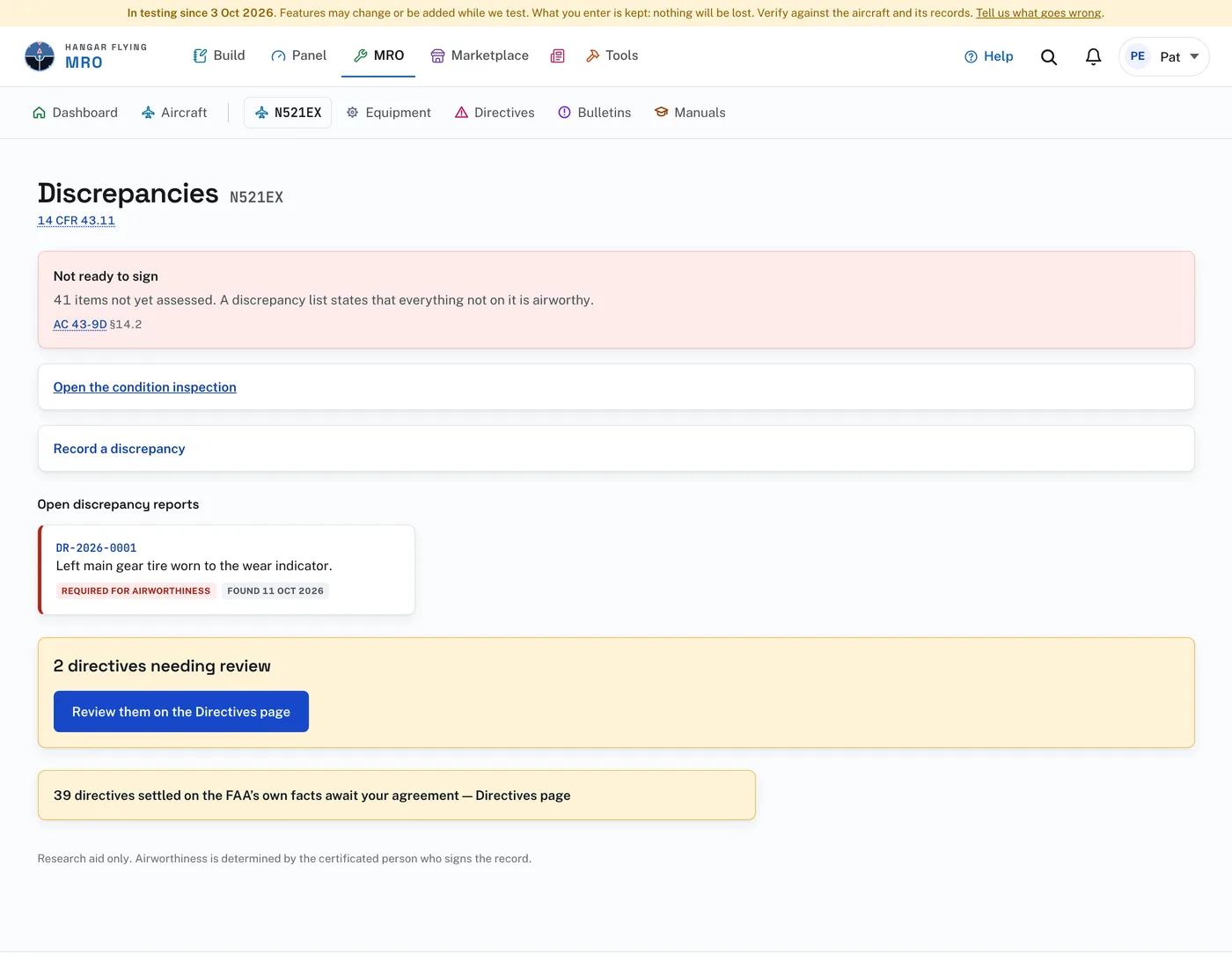
To record a discrepancy:
- Press “Record a discrepancy”.
- Under Discrepancy, describe what was found. Found by is filled in with your name.
- Enter the airworthiness directive number, if it is against one.
- Check “Not required for airworthiness” only if it does not prevent approval for return to service.
- Press “Record it”. The new report opens.
Below that are the link that opens the condition or annual inspection and the discrepancy reports: open, deferred and completed. Directives still needing a determination are counted here and determined on the Directives page.
The page lists only what still requires corrective action, further evaluation, or a documented disposition. Items already complied with or determined not applicable are left out unless their status changes.