
Notes are for what is true but is not on any data plate: how the aircraft flies, what the last inspection found, what the owner asked about. The aircraft’s Notes and photographs page is reached from Maintenance records, with “Add one, or write a note”. Notes can also be written on a single part and on a discrepancy report.
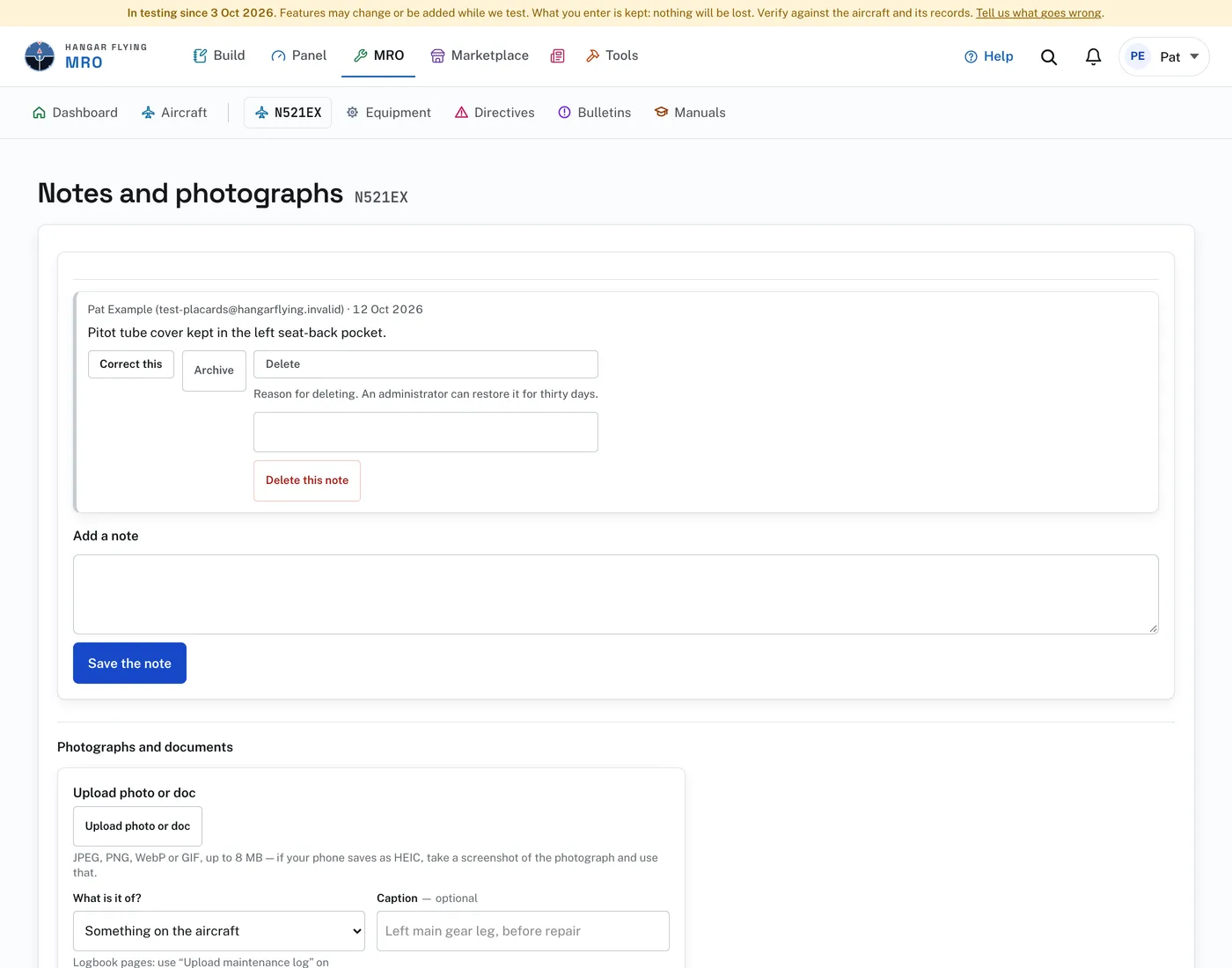
To keep a photograph or a document:
- Press “Upload photo or doc” and choose the file, or drag it onto the button: a JPEG, PNG, WebP, GIF or iPhone (HEIC) photo, or a PDF, up to 8 MB.
- Under “What is it of?”, say what it shows. A caption is optional.
- Press “Upload”.
A note is written once and kept. There is no edit. To change one, press “Correct this” and write the correction. It appears alongside, saying what it corrects, and both stay visible.
“Archive” puts a note away without removing it. “Delete” asks for a reason, and an administrator can restore the note for thirty days.
A shop can check “Visible to the customer” on a note. Unchecked, the customer does not see it.
Logbook pages do not go here. Use “Upload maintenance log” on Maintenance records, so the pages are read.