
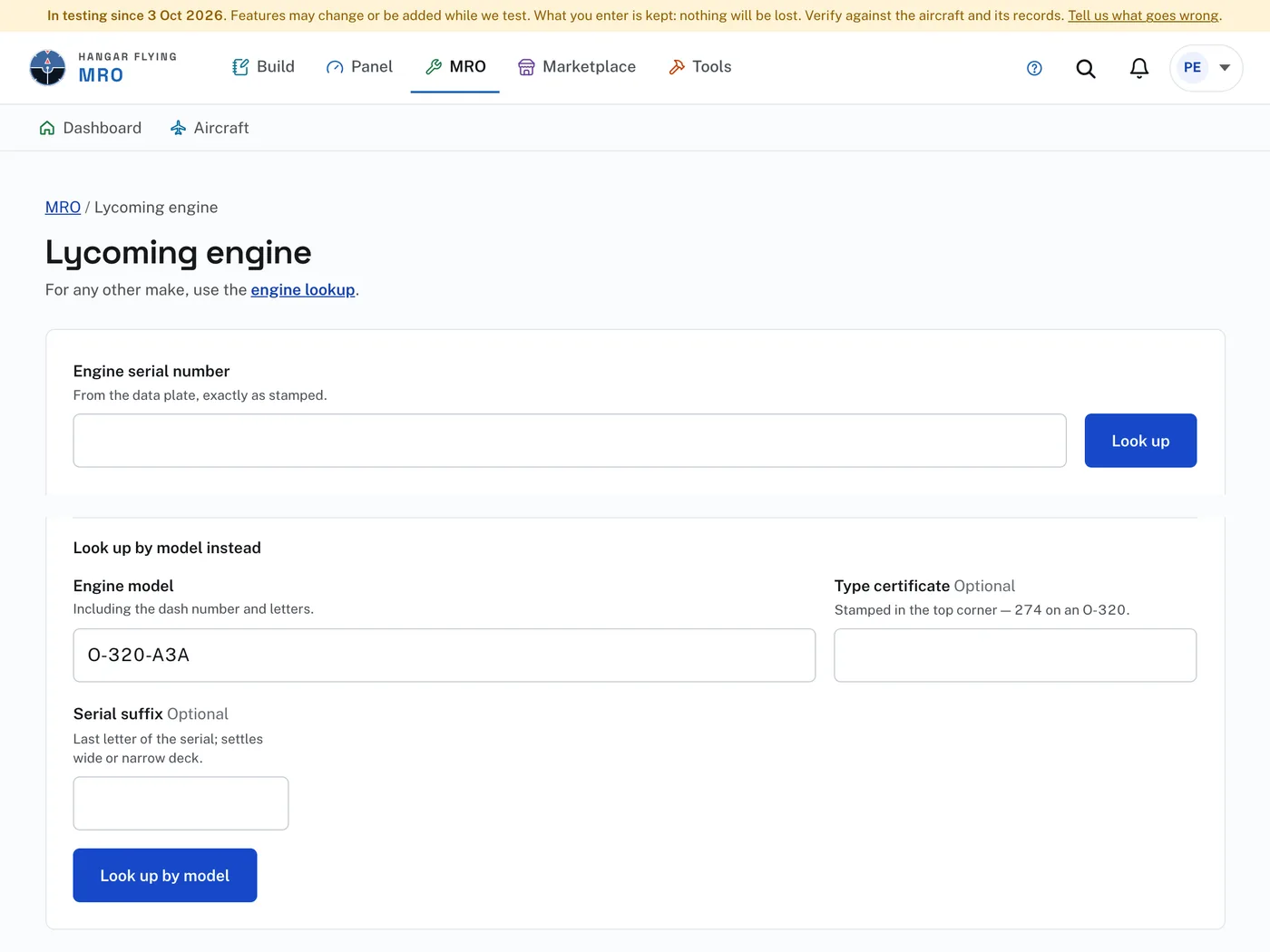
“Lycoming serial number lookup” is at the foot of every page, under MRO. The page is headed “Lycoming engine” and needs a sign-in. For any other manufacturer, use Engine lookup.
To look up an engine:
- Enter the Engine serial number from the data plate, exactly as stamped.
- Press “Look up”.
- With no serial number at hand, or when Lycoming has no record of it, use “Look up by model instead”: enter the Engine model with its dash number and letters and press “Look up by model”.
A serial number Lycoming knows returns the model, part number, ship date and age, from Lycoming’s factory records. The page names the Type Certificate Data Sheet with a link to the FAA’s copy, and “Configuration, crankcase and TBO” opens what the model and serial number say, with the recommended time between overhauls. An engine looked up by model reads “Model entered by hand — not confirmed”: check it against the data plate.
Under “Installed appliances” is a line for each part of the engine that carries its own number:
- Enter the part number and serial number of each one you have verified. “Where to find it” says where each is marked.
- “Print a worksheet” gives the same list on paper to take to the aircraft.
- Check “This list is complete” only when every appliance has been verified. Until then a blank means not checked, not “not installed”.
- Press “Show compliance”.
The Compliance page counts and lists three groups: Action required, which applies to this engine; Information needed, which waits on an appliance not yet entered; and No action required, ruled out with the reason. It marks what is mandatory under 14 CFR 39 apart from what is not.
This is a research aid for the engine alone. The airframe, propeller and installed appliances carry airworthiness directives of their own, and nothing entered here is added to an aircraft. Record the engine on the aircraft’s Equipment page for that.