
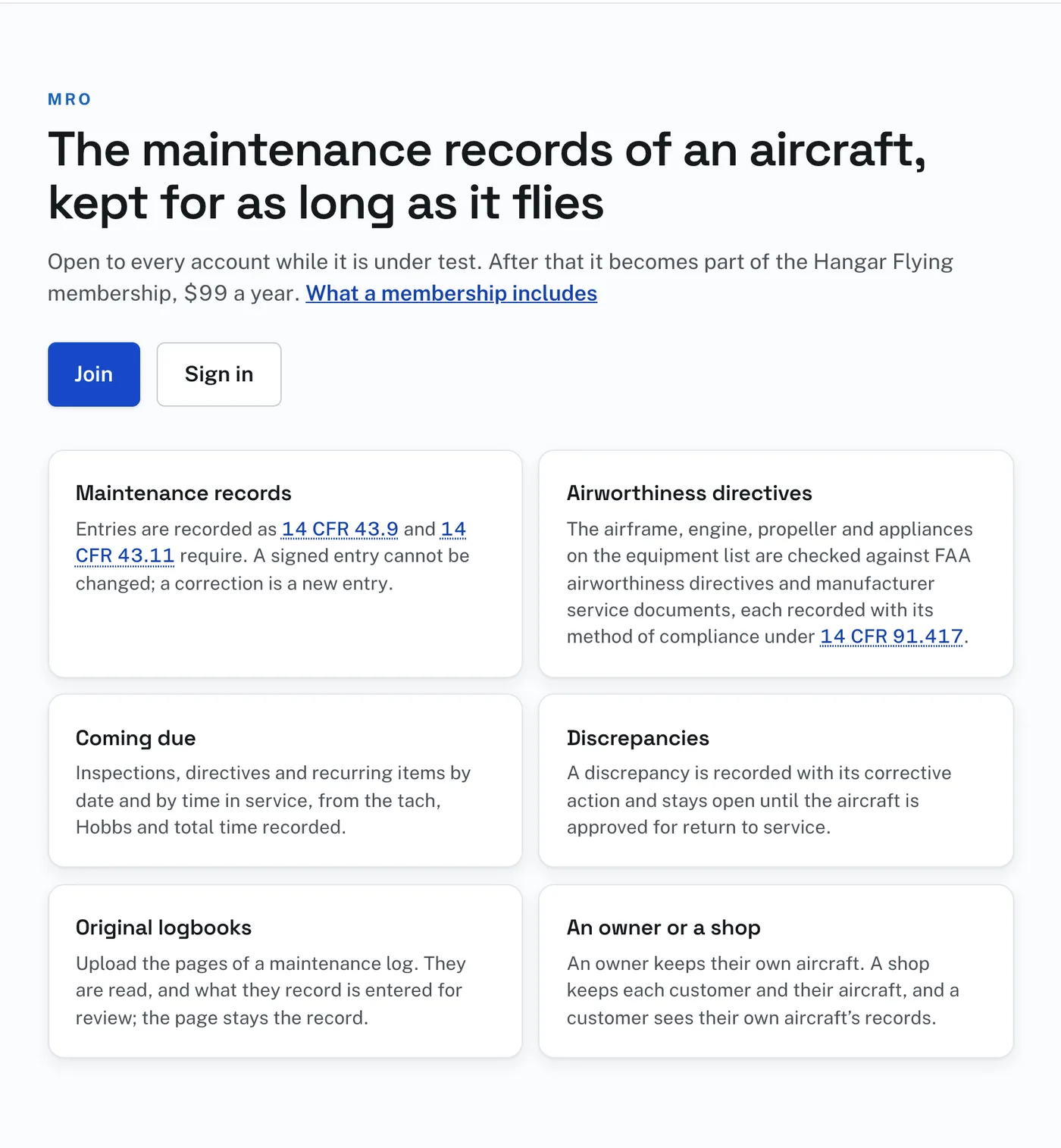
MRO is the maintenance-records part of Hangar Flying. Signed out, the MRO page says what it keeps and has Join and Sign in. Signed in, the same address is your Dashboard.
MRO is in testing: features may change, and what you enter is kept.
The first time you open MRO it asks one question: “My own aircraft” or “A maintenance shop”. A shop starts at its first customer; an owner starts at their aircraft. The answer can be changed on your Profile, on its MRO tab, under “What this account is for”.
The certificate number on your Profile, under “Who you are”, prefills every signature line. A shop’s Profile also has a block called The shop, on the MRO tab, with Customers.
The bell in the top bar counts what has happened on your aircraft that you have not looked at: a new directive naming a part, a new service document, a manual found, a change in what is coming due, a decision from the shop or the owner, a logbook finished reading. The Notifications page gives one section per aircraft.
Closing an account never touches a signed maintenance entry. A signature is part of the aircraft’s record, not part of the account, and stays exactly as it was.